KnifeDB Tools for Case xx Collectors–1 Shield Search
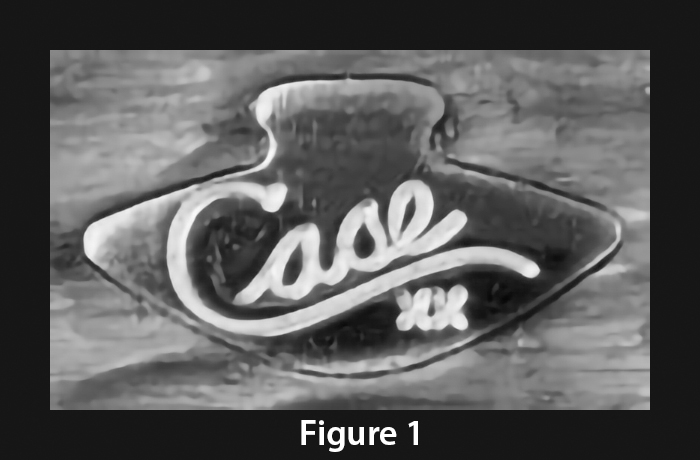
A Case XX Collector finds a knife with a shield like the one in Figure 1. He decides to try to find out as much as possible about this shield on KnifeDB. He has used this resource many times and it has always helped him.
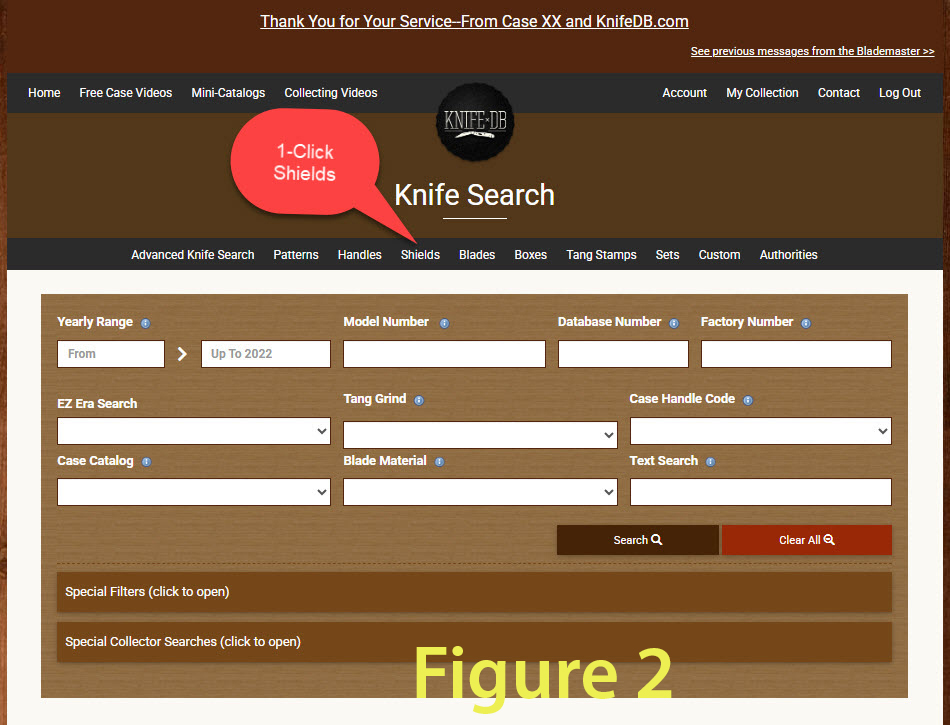
He goes to the “knife Search” page and clicks the Shield tab to start as shown in figure 2
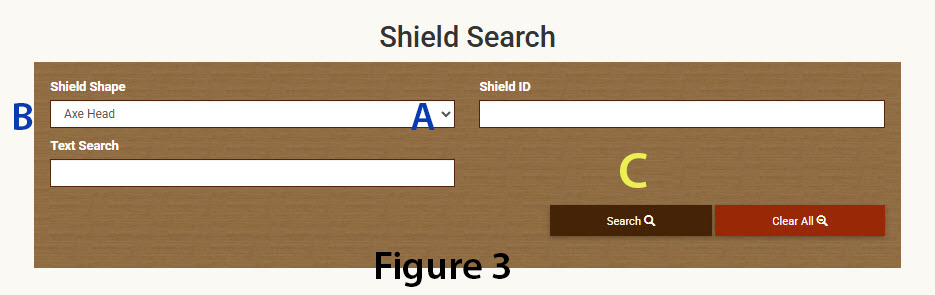
This brings up the “Shield Search” page (Figure 3). In the “Shield Shape” field, he clicks on the down arrow to get the list of shield shapes (A). Then he clicks on “Axe Head” near the top of the drop down list (B), That puts Axe Head in “Shield Shape” field and he clcks “Search” to find the axe heads.
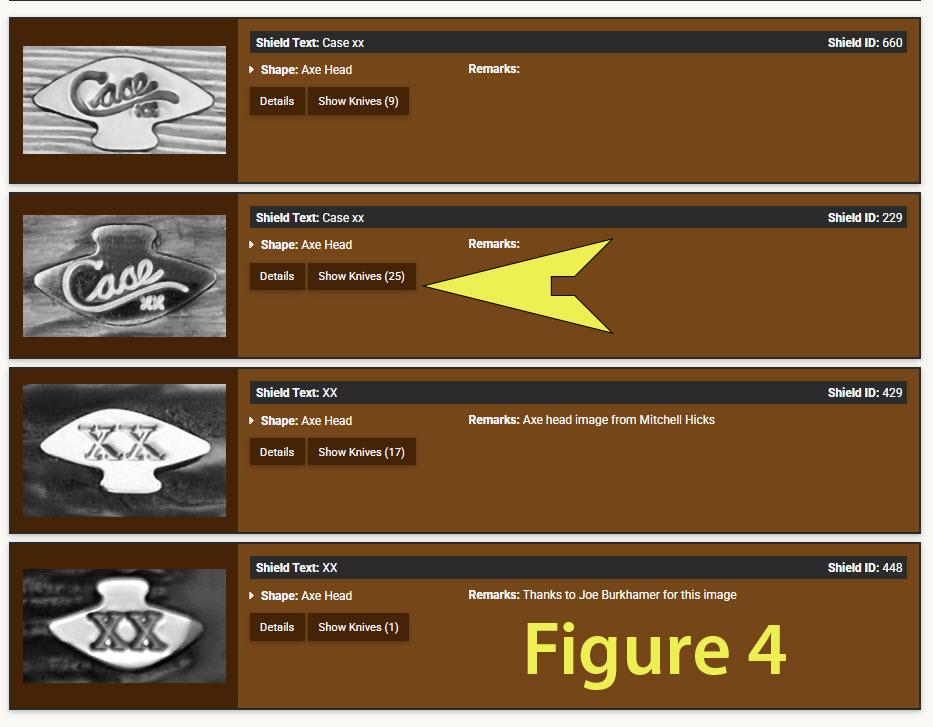
He is surprised to see 4 different variations of the axe head shield. (Figure 4). The “Show Knives” field for each shield variation shows a count of how many knives have that shield. For example, the second shield down has been documented on 25 knife variations, while the bottom shield has been documented on only one. The collector clicks “Show Knives” on the second shield.
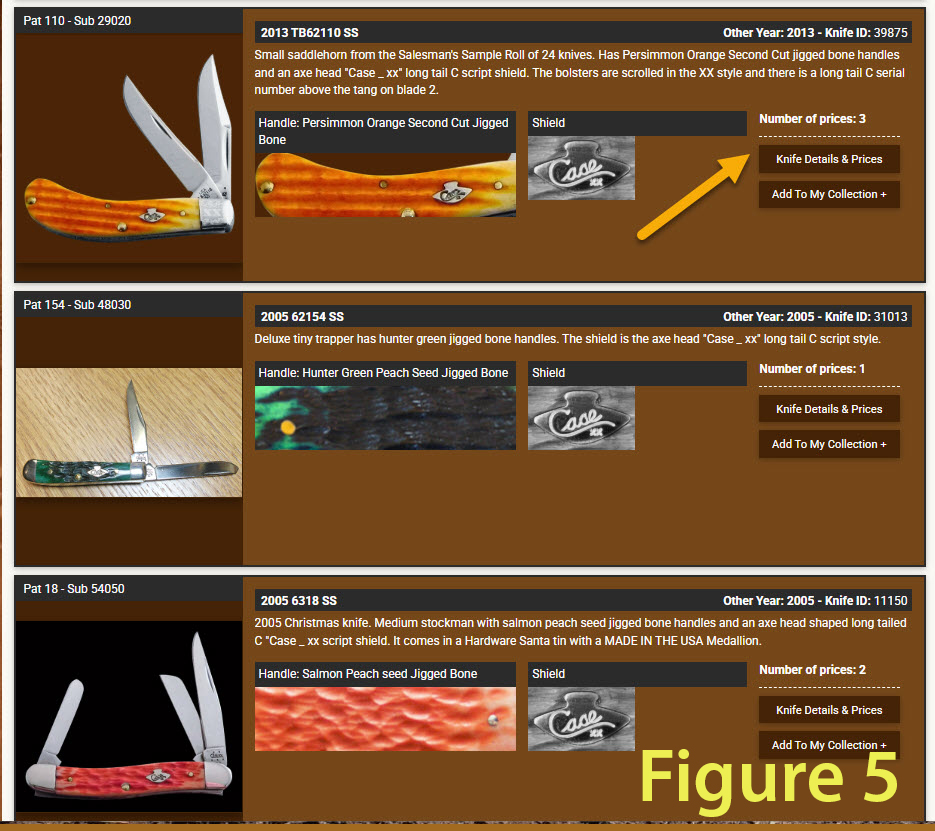
Browsing the knives, he finds the orange saddle horn knife where he first spotted the axe head shield. (Figure 5). He clicks “Knife Details and Prices”.
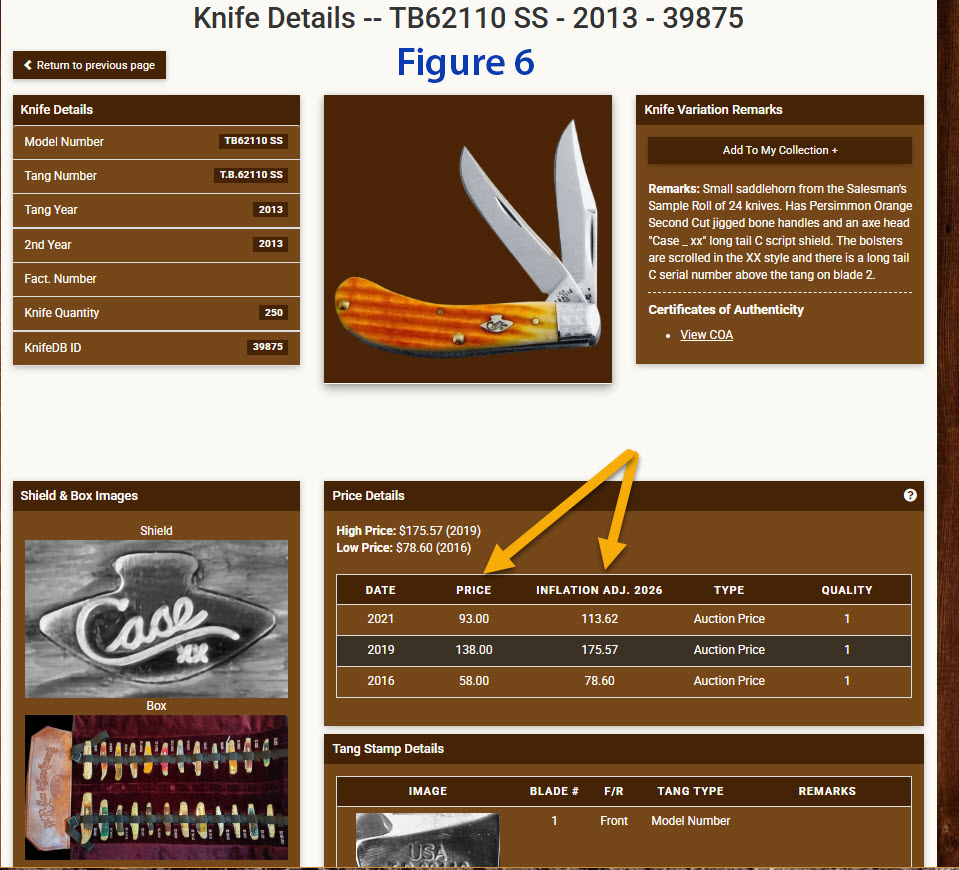
And now, everything currently documented about this knife is available to the collector. (Figure 6) He can see a COA, He can see the box, or in this case a Salesman’s sample roll. Most important to him is that he can see three actual selling prices and the year of each sale. Further, each sale is adjusted for inflation so that all the sales can be equally compared to determine a true high and low sale price.
Only KnifeDB.com has this kind of power and information for Case Collectors.